being an adult is just… calling people that’s literally it… just calling people you don’t want to call about problems you don’t want to have to be solving.. it’s disgusting
I drew this poster for Jon Acuffand his FINISH book tour. Big thanks to Jon for this collaboration, his book has some great ideas about how to complete creative and life goals.
Love this, but reblogging it specifically for “Get rid of secret rules.” That’s one of the most amazing illustrations—and points—I’ve ever seen.
so important especially for perfectionists who procrastinate and never finish, or even start because they set such high standards for themselves.
u ever have on mutuals whos so deep in another fandom that u know absolutely zero about and they make posts that look like they speaking another language or some shit
i really appreciate the number of mutuals who are not in any of my fandoms sharing this post. its like a little hello nod as we pass each other in the hall
I haven’t posted any art in a while, but my life has recently been taken over my BNHA so here, have a magical girl Eraserhead. This is @blithefool‘s fault.
WIP, might finish coloring and post the finished version someday.
I JUST NOW REALIZED that ko-fi donations are marked as business transactions in my paypal account, and that each of them comes with the person’s address and a little “ready to add shipping info” tag on them
so i’m going through every time someone has kindly given me a couple dollars in the past. year? and marking them all as “order processed” so I don’t get in HUGE trouble for not putting shipping information on these “orders”
WHY… ARE THEY PROCESSED THAT WAY… why aren’t they processed as DONATIONS?
A few folks have asked me to tell them how they can tell if this has happened, and how to fix it, so here’s a small guide!
When you get money through ko-fi, and it shows up like this, then it’s come through as a payment, with the person’s shipping address attached.
To fix this, you click “Add tracking info” for every payment that has that. When you do, you’ll select “Order Processed / Service Rendered” which is the option that tells PayPal you aren’t shipping anything.
When you do, the other boxes on that page will be greyed out, and you can save. The “print shipping label / add tracking info” tag will be gone on the transaction and you’ll be good to go!









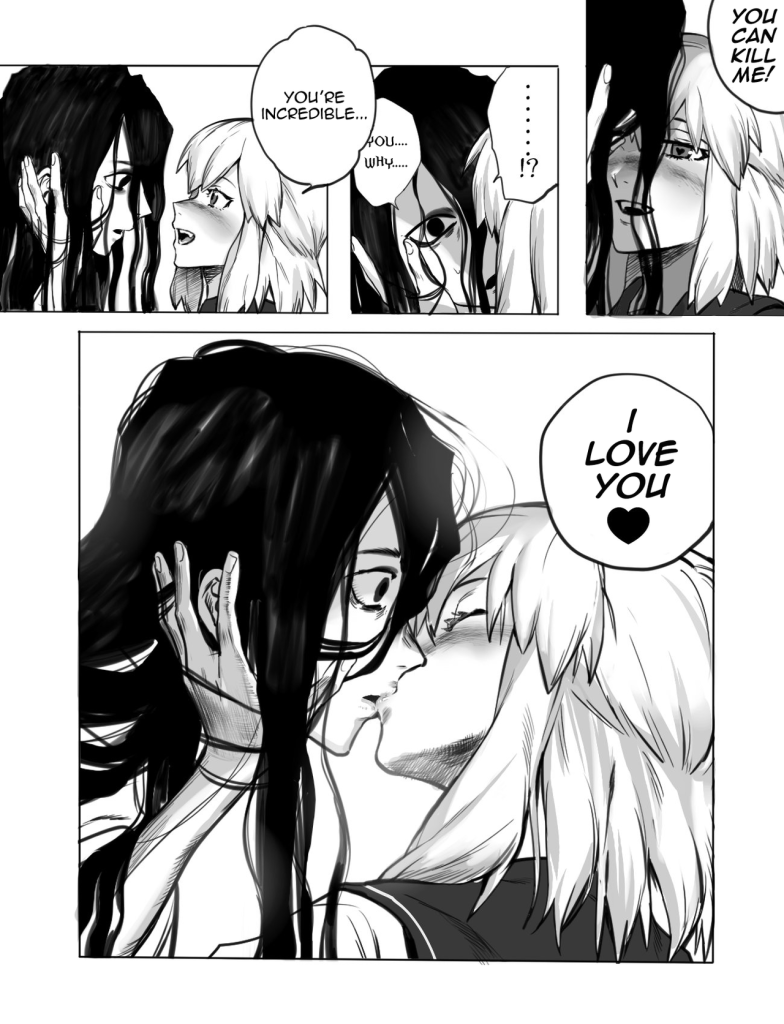
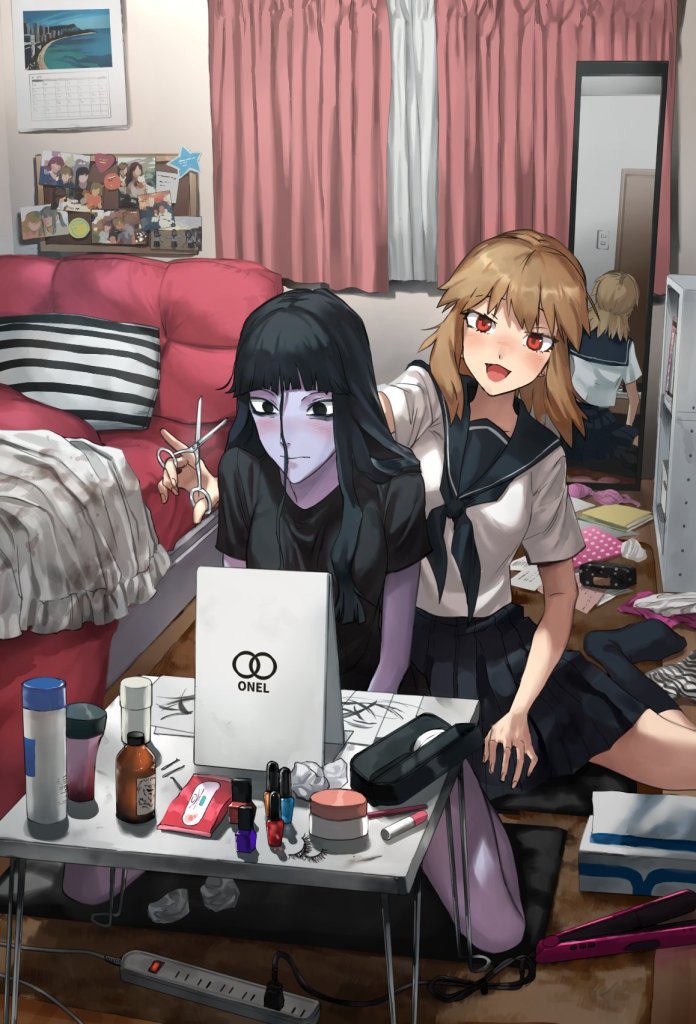
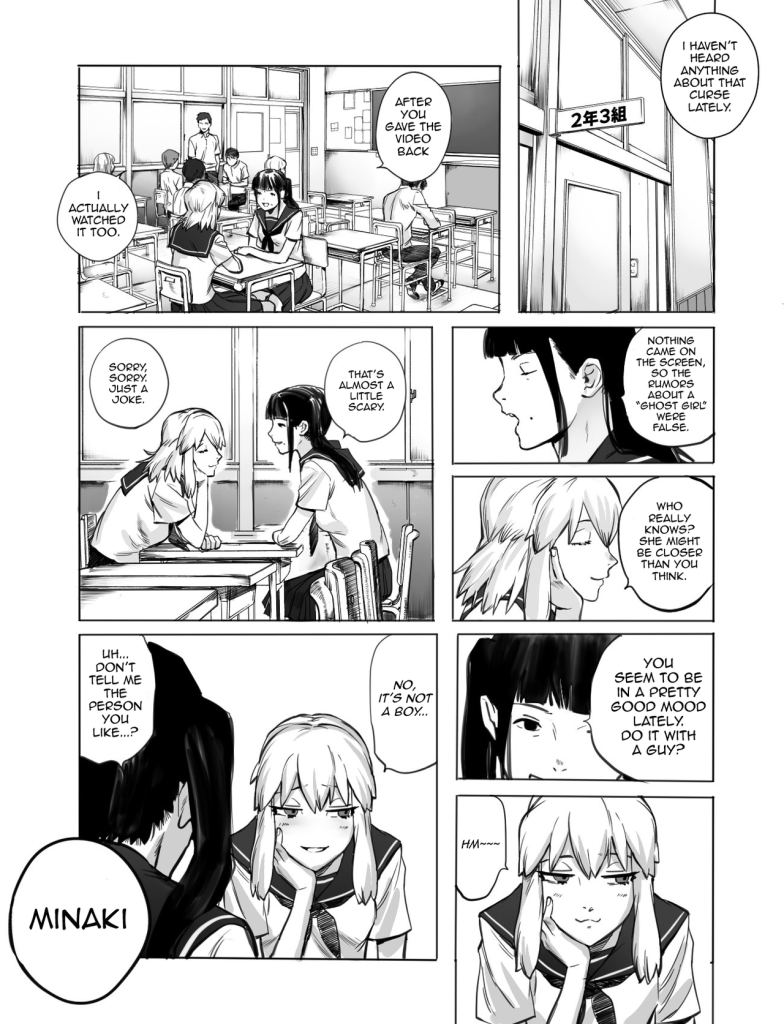
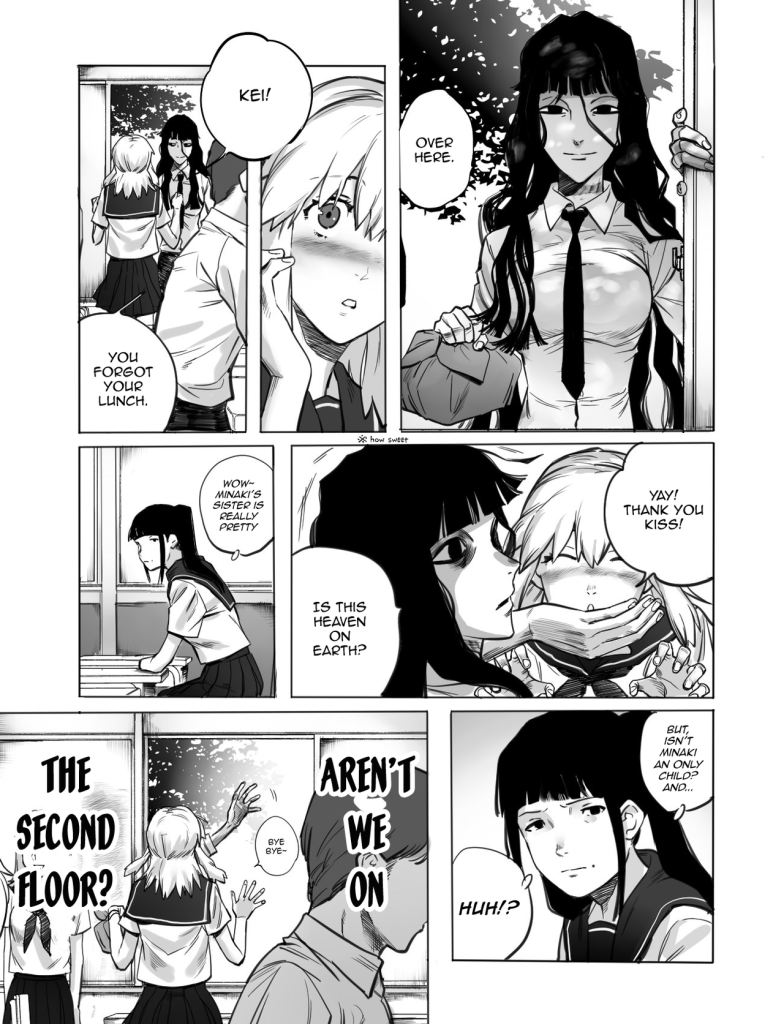



 A Beautiful Monster