I found this sketchbook in a restaurant and It may be impossible but I want to find the author.
The sketchbook was found in El Albaicín, Granada, Spain and I think the artist isn’t Spanish, maybe a Chinese tourist or someone who are learning Chinese but who knows u_u
In the drawings you can see some monuments of differents sites of Spain, that’s why I think she/he could be a tourist D:
I already tweeted it and a lot of people are sharing (all my love for you guys<3) but I want to try to find him/her here too
F.A.Q:
–
Did you ask the restaurant staff if they know it?: I’m the restaurant staff, I work there and we can’t remember who is the owner, sorry
– Did you use the reverse image search in Google?: Yes, I do and got nothing u_u
– Can you check the CCTV?: Em… no… We don’t have it in the terrace and my boss would never let me see them
–
What you could do is put a note at the door of the restaurant saying ‘have you lost…?’ : I’m the only one in the restautrant who cares about this and again my boss would never let me do that.
–
If they are a tourist and you just found it recently, they are probably still travelling and might not check their social media as often: Yes, I know, but maybe someone can
recognize his/her style or something
Please, just share and help me to find him/her ;_;
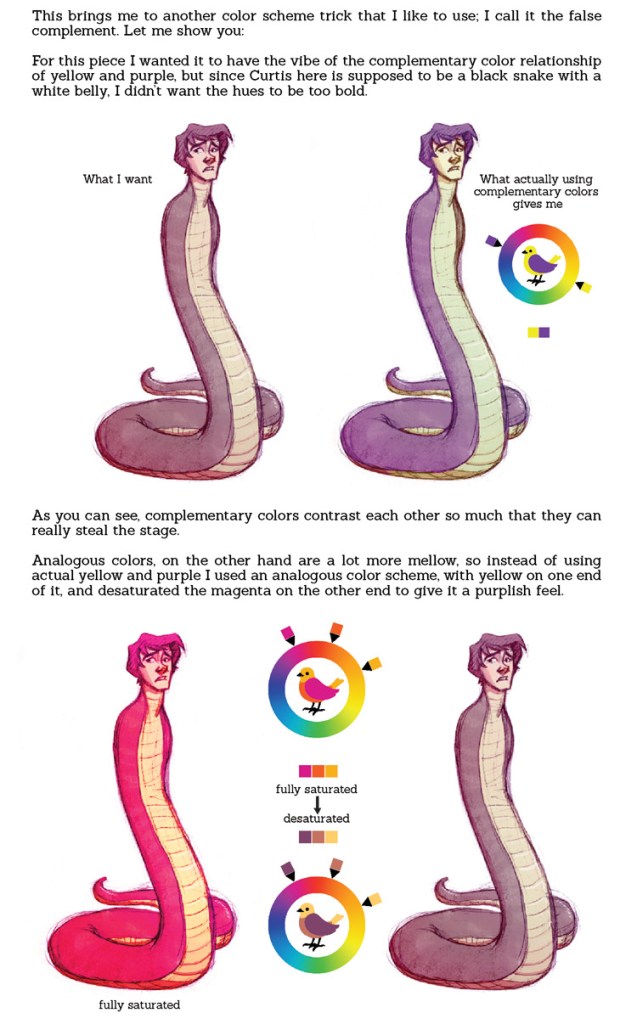
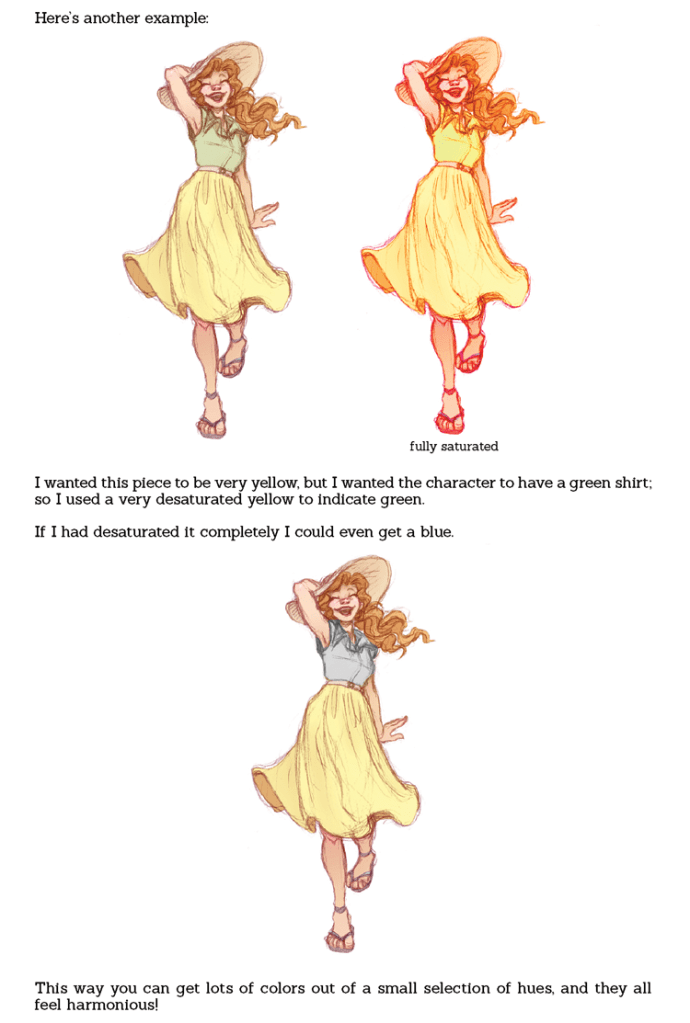
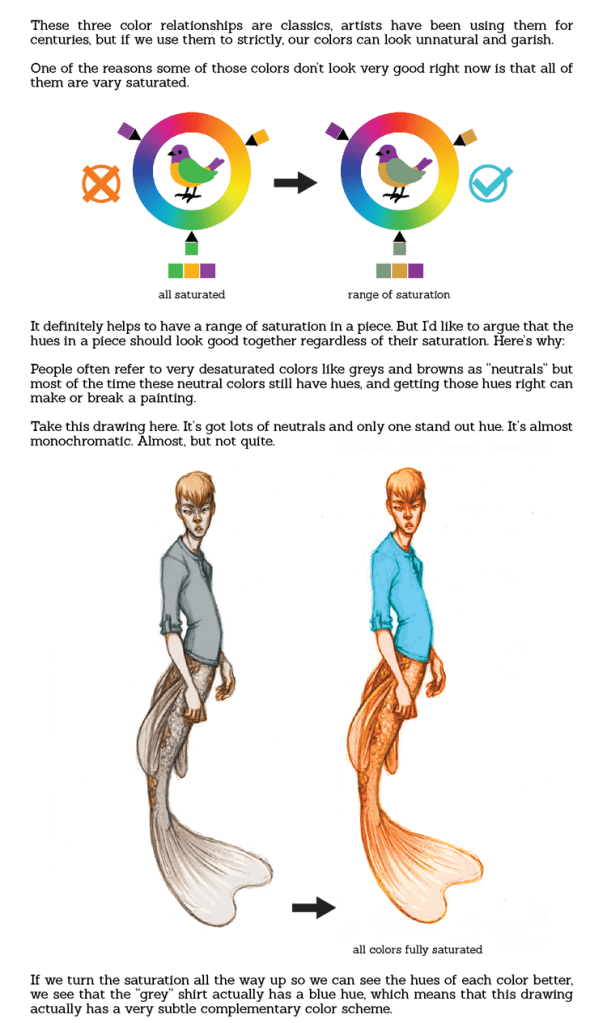
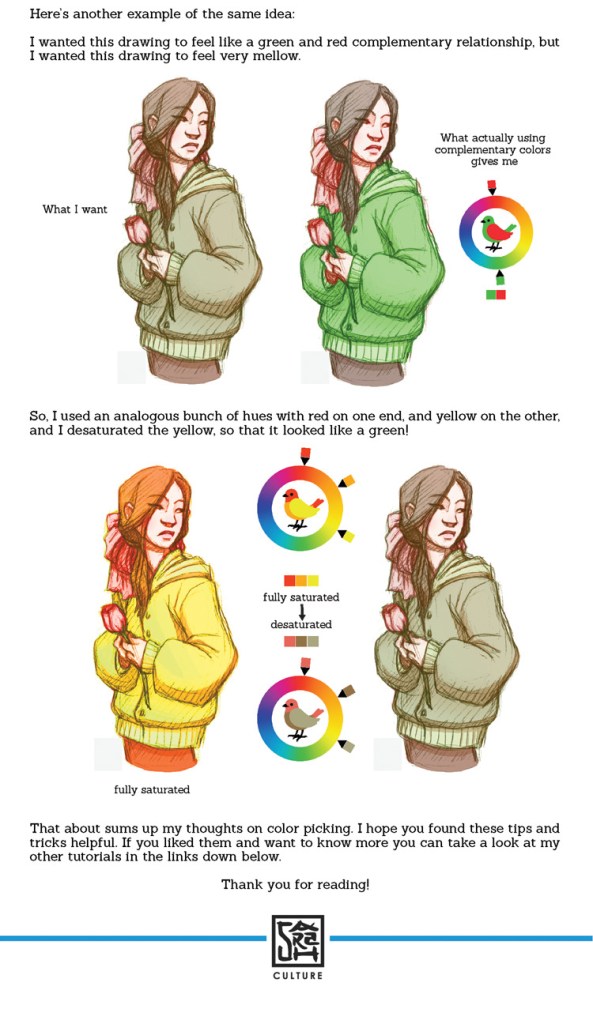
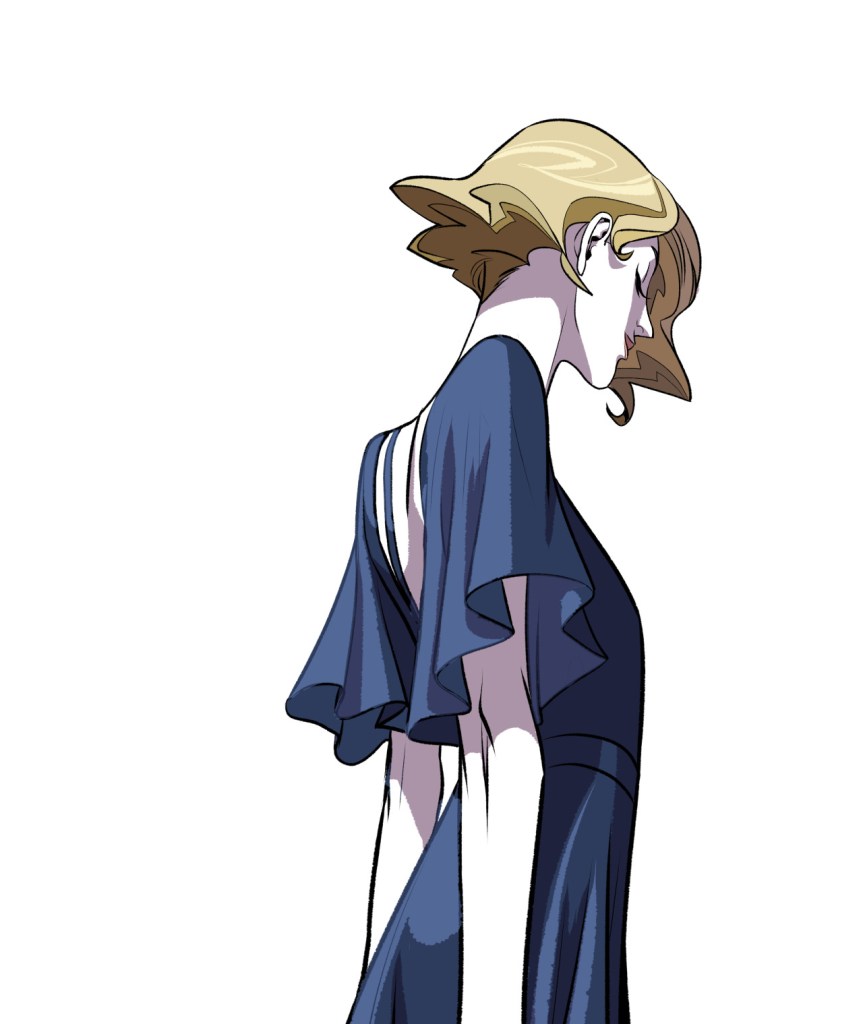
DESATURATED YELLOW LOOKS LIKE GREEN YES MY VISION IS VALIDATED I KEEP SEEING PEOPLE WITH VERY PALE BLONDE-ISH HAIR AS HAVING GREEN HAIR AND PEOPLE KEEP GETTING WEIRDED OUT BY IT BUT NO THAT IS ACTUALLY NOW COLORS WORK Y’ALL JUST HAVE PRECONCEPTIONS OF WHAT COLOR HAIR CAN AND CANNOT BE
anyway this is fantastic and i’m off to go try this out ❤
hello! I recently found this rad app called “CamScanner”, a mobile app for android and iOS
what does this app do? well, basically it imitates a scanner, so even if you don’t have one, you can take real cool pictures of your drawings!
for this to work, i suggest you take a picture of your entire paper / sketchbook / etc. The app will automatically crop your picture and come out with something like this:
(sometimes it wont be too accurate, but that can be easily fixed by moving the frame yourself)
once scanned, the app will make it so your drawing looks like this:
(the app will have some presets, so you might want to mess around with those. OR you can mess with the settings yourself to get a look you desire)
this can be really helpful if you plan to color your traditional piece on a computer, or something similar.
this can even work with colored drawing, if you’d like!
original:
edited with CamScanner:
if you mess with the settings yourself, i bet you could get the picture to look better, as i did this with the presets.
I’m absolutely embarrassed that I never knew this before but…
The pen stand that most Wacom products come with?
It twists off and has a bunch of nibs in it.
I’ve been buying extra nibs when they were in this stupid thing the whole time.
Reblog to save a life.
ARe YOU KIDDING
I just checked and HOLY FUCK
Same goes for the tablets like Wacom Manga that come without stands– The extra nibs are hidden in a panel on the back that slides off!
HOLY MOTHER OF PEARL
At least for the intuos pro, the nibs in there are a sampling of different nib types. Meaning you can try a bunch of types easily, without having to commit to buying the weird ones just to try them. The intuos pro also hides in there a little ring to help remove nibs (though I prefer tweezers still)














 A Beautiful Monster