
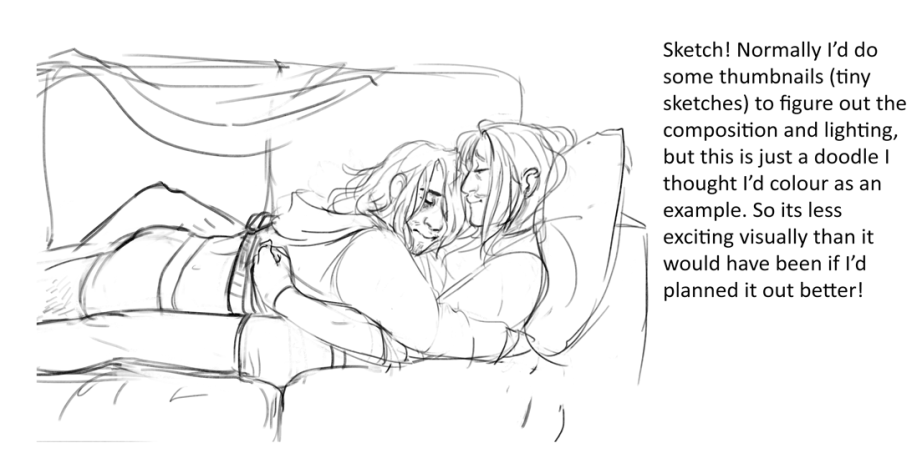
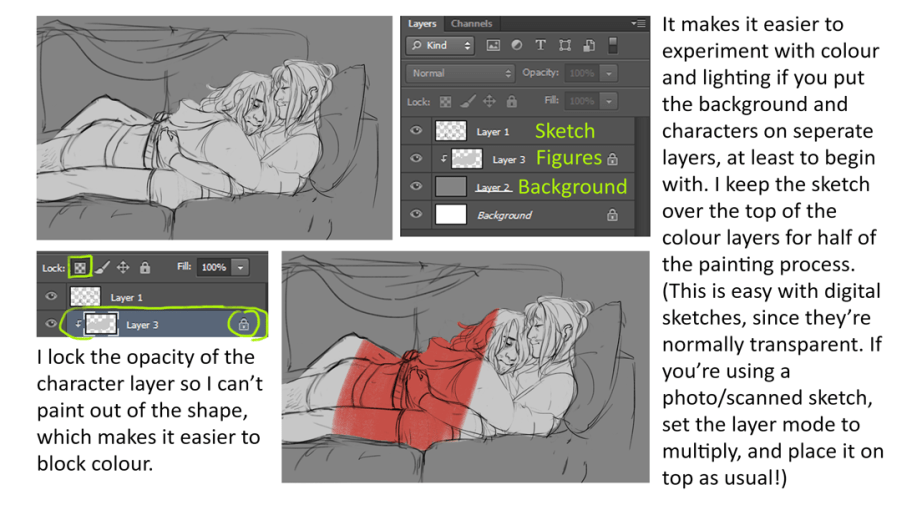
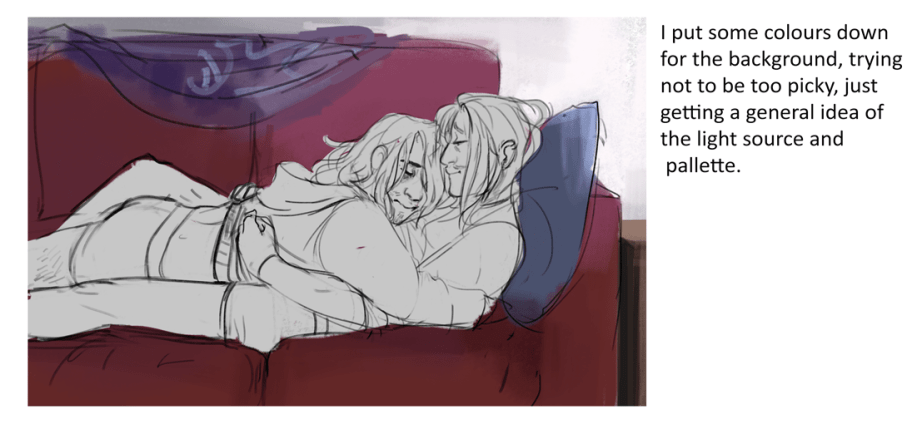
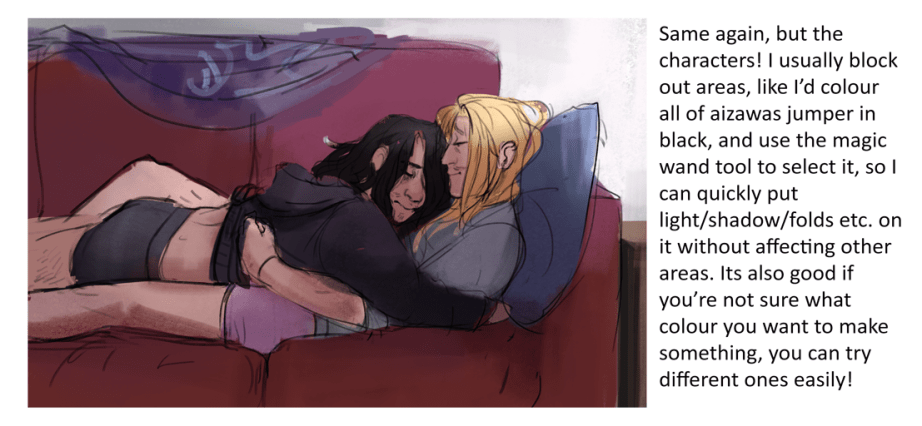
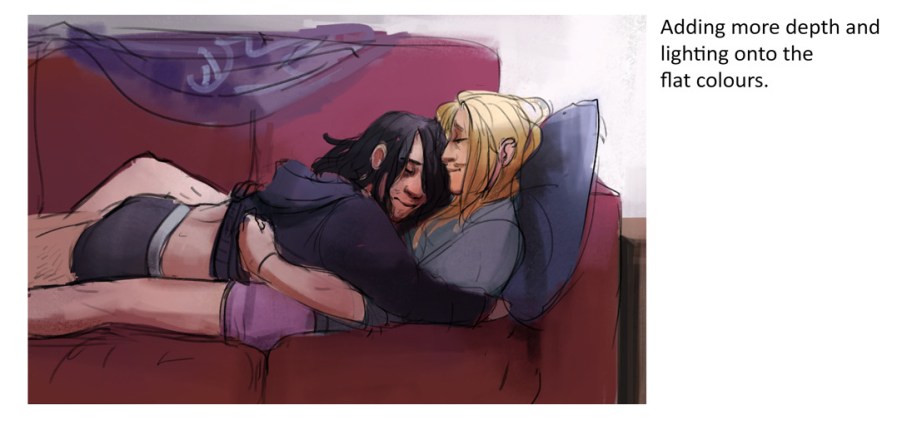
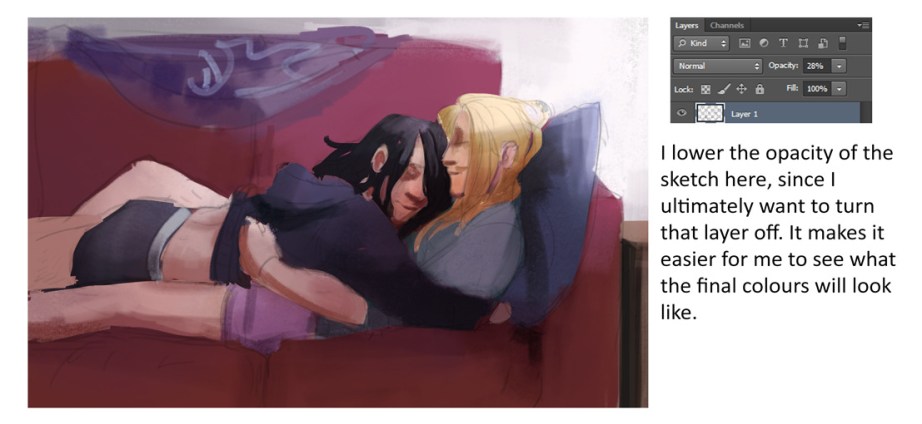


A couple of people have asked about my process, and its changed quite a bit since I started the 30 day challenge, so I figured I’d make a new step by step.
I used to merge the sketch and colour layers, and paint on top, but it just meant I was going around the painting trying to cover up my nasty sketch lines, so getting rid of them to begin with is a lot faster. I also use a lot more lasso and magic wand tools to make the process faster, and image adjustments are your friends. [under image- adjustments] I especially use the levels, saturation, and colour balance. Also! The overlay layer mode is magic if you use it reasonably. Try a light colour over a painting, it’s a fast way to establish lighting. The colour layer mode is good for harmonising colours in your painting, if you set it to a low opacity after filling it with a block colour or gradient.
I pretty much work in one or two layers, I make a new one to try something out, like a lighting idea, and if I like it I merge it down. I normally have a character and background layer, with extras for things like windows or glasses, or complex things like fences etc.
(here’s the brush I use ) And I work in photoshop!
Posts tagged so pretty
Choose another tag?
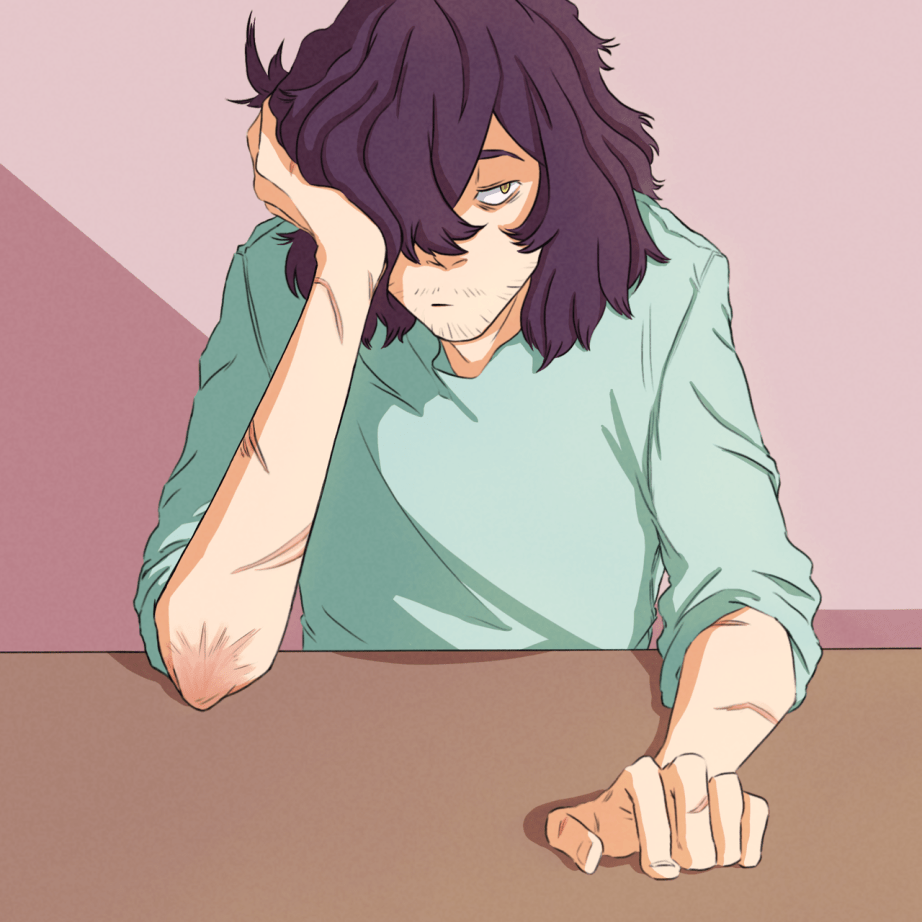
Sleepy man is sleepy 😌
 A Beautiful Monster